Introduction
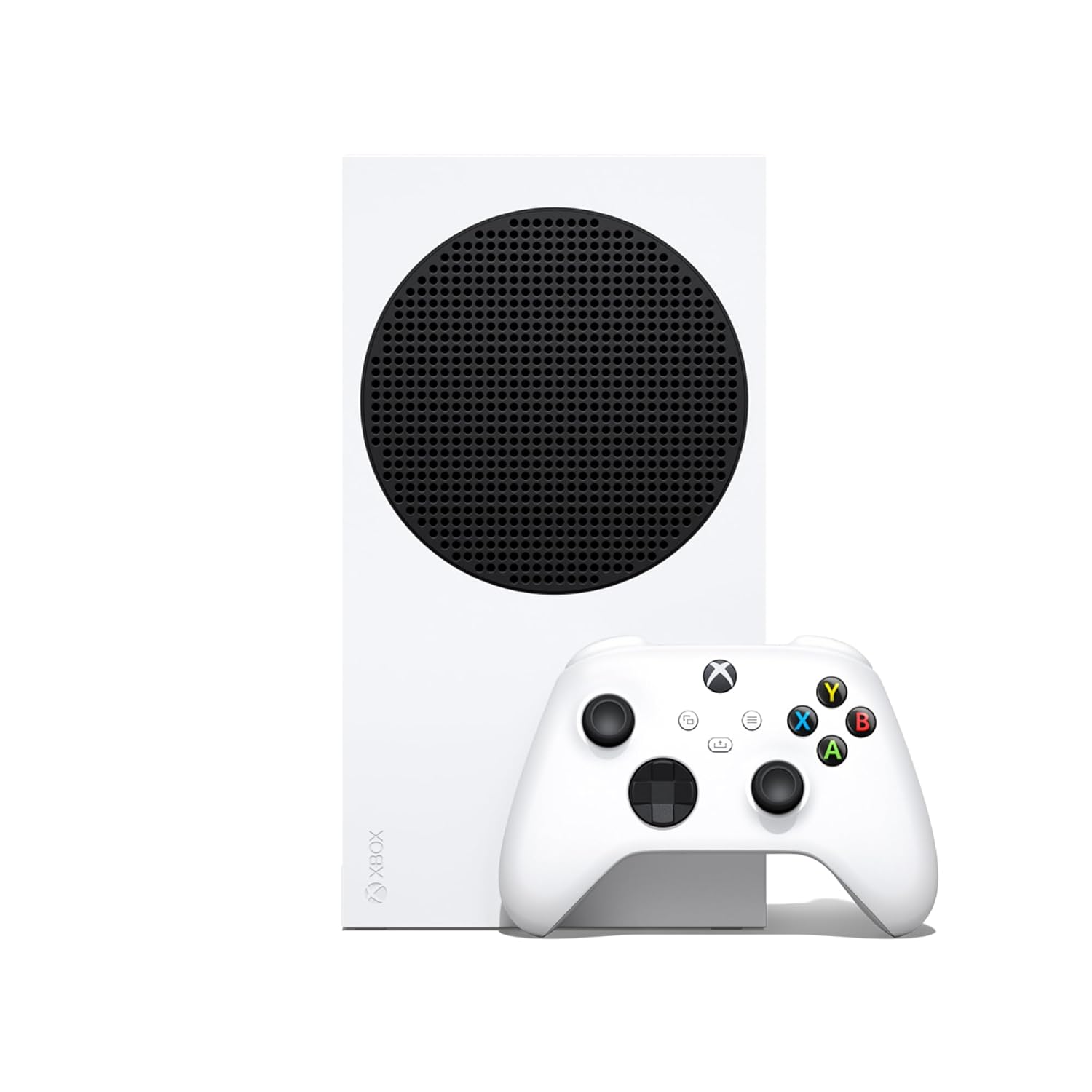
The gaming console market has shifted considerably over the past several years, with digital distribution becoming an increasingly central part of how people access and play games. The Xbox Series S, an all-digital console with 512GB of SSD storage, reflects this shift directly — built without a disc drive and designed around digital game libraries, cloud gaming, and fast load times. This article takes a closer look at what the Series S offers, how it fits into different gaming setups, and what’s worth considering before adding one to a household.
Key Features
All-Digital Design
Unlike traditional consoles that include a disc drive, the Xbox Series S is built entirely around digital game distribution. This means games are purchased, downloaded, and stored directly on the console rather than played from physical discs. This design choice generally results in a smaller, more compact console compared to disc-based alternatives.
512GB SSD Storage
The console includes 512GB of solid-state storage, which offers significantly faster load times compared to older hard-drive-based systems. Solid-state storage also tends to support quicker transitions between games and faster boot times overall.
Up to 120FPS Support
The Series S supports gameplay at up to 120 frames per second in compatible titles, which can contribute to smoother, more responsive visuals, particularly in fast-paced or competitive gaming scenarios. Not all games support this frame rate, so actual performance will vary depending on the specific title being played.
Included Wireless Controller
The console comes with a wireless controller, allowing for cable-free gameplay right out of the box without requiring an additional purchase to get started.
Compact Form Factor
Compared to its more powerful sibling, the Xbox Series X, the Series S has a notably smaller physical footprint, making it easier to fit into smaller entertainment setups or more space-constrained living situations.
Robot White Finish
The console’s design includes a clean, minimalist white finish, which tends to blend easily into a variety of home entertainment setups without standing out as visually heavy or bulky.
Backward Compatibility
Many Xbox consoles, including the Series S, support backward compatibility with select titles from previous generations, allowing access to certain older games alongside newer releases.
How It Can Be Used
Everyday Gaming
At its core, the Series S functions as a straightforward gaming console for accessing digital game libraries, whether through individual game purchases or subscription-based gaming services that offer access to rotating game catalogs.
Family and Multiplayer Gaming
With support for multiple controllers, the console can accommodate local multiplayer sessions, making it a reasonable option for households where more than one person wants to play together.
Cloud Gaming Access
The Series S is generally compatible with cloud gaming services, allowing access to a broader range of titles beyond what’s stored locally on the console’s internal storage, depending on subscription services used.
Media and Streaming
Beyond gaming, many consoles, including the Series S, typically support various streaming apps, allowing it to double as a media device for accessing video content alongside its primary gaming function.
Secondary Console for Multi-Room Setups
Given its compact size and lower price point relative to higher-end consoles, some households use the Series S as a secondary gaming setup in a bedroom or secondary living space, separate from a primary entertainment center.
Who It May Be Suitable For
Casual to Moderate Gamers
Those who play games regularly but don’t necessarily need the most powerful available hardware may find the Series S offers a reasonable balance of performance and accessibility.
Households Transitioning to Digital-Only Libraries
For those who have already moved away from physical media in other areas of their digital life, an all-digital console aligns naturally with that broader shift.
Space-Conscious Setups
The compact design makes this console a practical choice for smaller entertainment areas, dorm rooms, or secondary gaming spaces where a larger console might feel disproportionate.
Budget-Conscious Gamers
Generally positioned as a more accessible entry point compared to higher-end consoles, the Series S may appeal to those looking to enter or stay within the current console generation without the cost associated with top-tier hardware.
Cloud Gaming Users
Those who frequently rely on cloud-based game streaming services may find the Series S well suited to their needs, even with its comparatively modest local storage.
Important Things to Consider
Storage Limitations
512GB can fill up relatively quickly given the size of many modern game installations. Without a disc drive to fall back on, managing storage by uninstalling and reinstalling titles may become a regular part of the experience for users with larger game libraries.
No Physical Disc Support
Those who prefer purchasing physical game copies, trading games, or buying used physical titles should be aware that the all-digital design of the Series S doesn’t support this kind of physical media interaction.
Performance Differences from Higher-End Consoles
While capable, the Series S generally offers less raw graphical performance compared to higher-end consoles in the same family. Some games may run at lower resolutions or with reduced visual settings compared to more powerful hardware.
Internet Dependency
Since all games must be downloaded digitally, a stable and reasonably fast internet connection becomes more important for this console compared to disc-based alternatives, particularly for large game downloads or day-one updates.
Subscription Service Considerations
Many users supplement their gaming library through subscription services that offer access to rotating game catalogs. Factoring in these potential ongoing costs alongside the console itself is a reasonable part of overall budgeting.
Comparison of General Categories
Disc-Based Consoles
These consoles include a physical disc drive, allowing users to purchase and play physical game copies alongside digital purchases. They offer more flexibility for those who prefer physical media but are generally larger and slightly more expensive than all-digital counterparts.
All-Digital Consoles
This category, which includes the Series S, removes the disc drive entirely, relying solely on digital downloads. These consoles tend to be more compact and often more affordably priced, though they place more emphasis on internet connectivity and storage management.
High-Performance Consoles
Consoles positioned at the top of a given generation typically offer more powerful hardware, supporting higher resolutions and more demanding graphical settings. These tend to come at a higher price point and larger physical size.
Cloud Gaming Devices
Some devices are designed primarily around streaming games from remote servers rather than running them locally. These generally require minimal local storage and processing power but depend heavily on a fast, stable internet connection.
Frequently Asked Questions
Can the Xbox Series S play physical game discs?
No, the Series S is an all-digital console and does not include a disc drive, so it cannot play physical game discs.
Is the included controller wireless?
Yes, the console comes with a wireless controller included as part of the standard package.
Does 512GB of storage limit how many games can be installed?
Storage capacity can fill up relatively quickly depending on game sizes, and many modern titles take up significant space, so managing installed games may be necessary for users with larger libraries.
Can external storage be added to expand capacity?
Many consoles in this family support storage expansion options, though specific compatibility and setup should be verified based on current product specifications.
Does the Series S support 4K resolution?
The Series S is generally positioned to support up to 1440p resolution with upscaling capabilities for some 4K content, differing from higher-end consoles that natively target 4K output, so checking specific resolution support for individual games is worthwhile.
Is internet access required to use the console?
While some offline play is possible depending on the game, an internet connection is generally necessary for downloading games, system updates, and accessing many online features.
Conclusion
The Xbox Series S represents a more accessible entry point into modern console gaming, built around an all-digital approach that emphasizes compact design, fast solid-state storage, and broad compatibility with digital and cloud-based gaming services. While it doesn’t match the raw performance of higher-end consoles, its smaller footprint and digital-first design make it a reasonable option for casual to moderate gamers, space-conscious households, or anyone already comfortable with a fully digital gaming library. As with any console purchase, weighing storage needs, internet reliability, and personal preferences around physical versus digital media will help determine whether it’s the right fit.